Profiles are entered by members, not synced from the game.
Your reminders.
Choose a 15, 30 or 60-minute reminder for your event. Change your mind? Switch it off. You decide when Cogwing gets your attention.
Event reminders are opt-in. No default everyone pings.
News with a source.
Server admins can enable the EU blue tracker and game-event announcements in a channel of their choice.
Official-source links included. Feeds stay off until enabled.
Try it in Discord. Before Discord.
Practise installing Cogwing, choosing channel permissions and assembling your first party.
The interactive walkthrough needs JavaScript. The setup guide and installation links still work without it.
A pretend server, sample characters and local-only actions. Nothing connects to Discord or changes your real server.
Keep the commands handy
Get started
/help · Quick guide /setup timezone:Europe/Oslo · Server timezone (Manage Server) /character add · Register a main or alt /character list · Show your profiles /character edit · Update a profile /character remove · Remove a profile
Make a party
/lfg create · Spontaneous group /event create · Planned event (event manager) /event list · Upcoming groups in this channel /event details · Roster and reminders /event edit · Change your event /event cancel · Cancel it /event stop-repeat · Stop future weekly occurrences /signup, /leave, /remind · Your place and reminder
Configure your server
/blue enable · EU blue posts in this channel /gameevents enable · EU event announcements here Use status or disable with either feed. /gameevents schedule · Add a reviewed official date /ops status · Review delivery issues Setup, feeds and operations require Manage Server. /wow channel-access and alert-role controls are not included in the public version yet. Characters, groups and individual reminders work without them.
View channels. Send messages. Embed links. No Administrator permission requested.
Choose your server.
Open the invite, select a server you manage and authorize Cogwing. Give it access to the channels where you want it to work.
Make yourself at home.
Start with /help. An admin can set the server’s timezone with /setup timezone:Europe/Oslo, or another IANA timezone.
Assemble your first party.
Add a character with /character add, then try /lfg create. Use /event create when you’re planning ahead.
Before you head out.
A few things worth knowing.
Do I need to download or host anything?
No. Cogwing is hosted for you. Add it to a server you manage, open a text channel it can access and type /help.
What permissions does Cogwing need?
The base invite asks to view channels, send messages and embed links, alongside slash commands. It does not request Administrator, Manage Channels or Manage Roles. You control which channels it can access.
Will it ping everyone in my server?
No. Individual event reminders require a member to opt in. Announcement feeds start disabled. Role-based game-event pings are not included in the public version yet.
Does Cogwing sync my game characters?
No. Members enter and update their own character profiles. Cogwing does not connect to your Battle.net account or claim live character, auction or combat-log data.
Can it create our WoW roles and channels?
The public install does not create or rearrange channels. Optional commands for joining private WoW channels and choosing an alert role are not included in the public version yet. Each server would need its own reviewed role setup.
What name should I see on the invite?
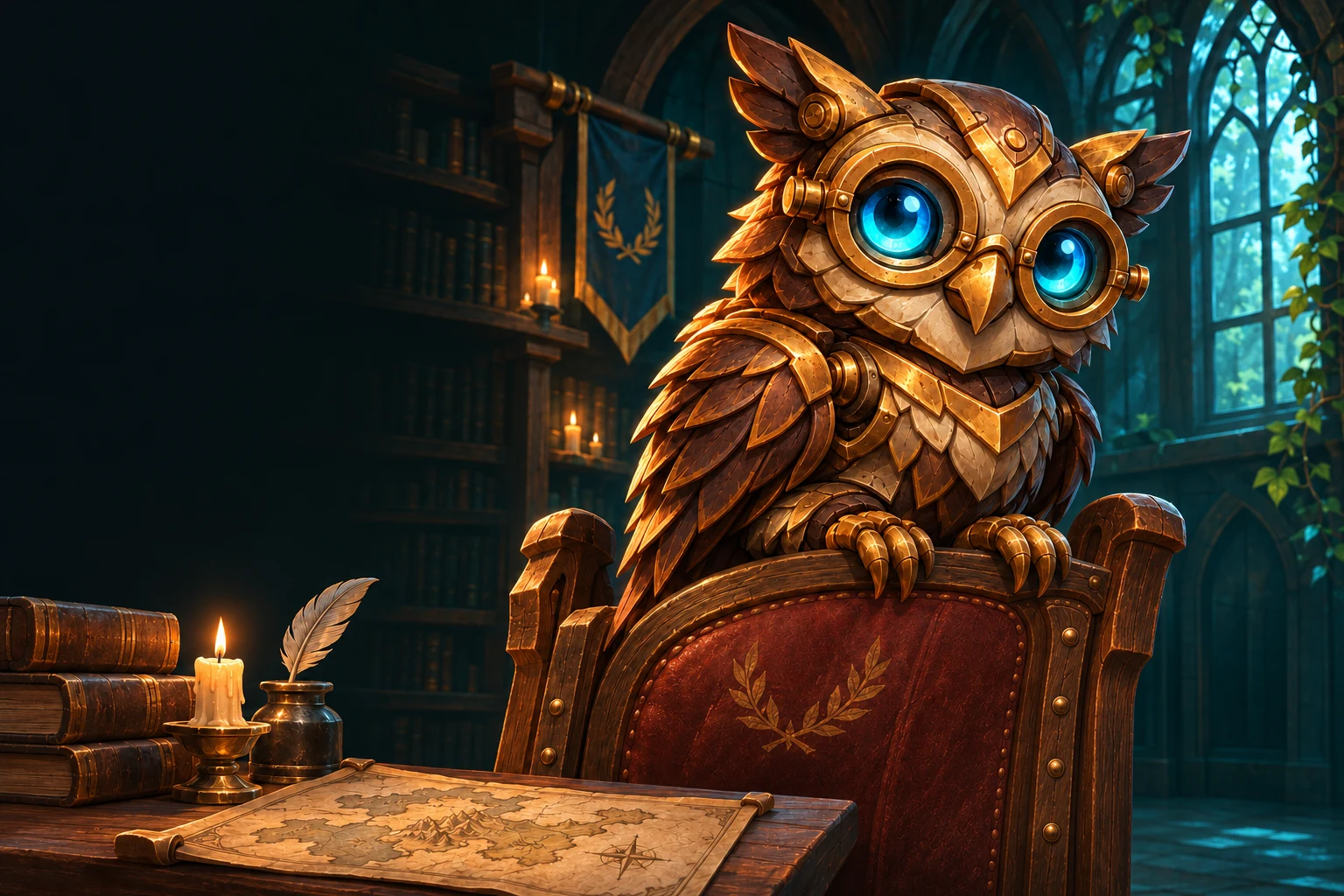
The application is Cogwing — WoW Forever Assistant. In your server, the bot’s short name is Cogwing, with the bronze owl avatar.
What information does it keep?
Cogwing stores the Discord IDs needed for profiles and groups, character details you enter, event signups and reminder choices. Each server has separate storage. It does not read chat history or ask for your game login. Use /character remove to remove a profile; existing signup snapshots can remain. Closed event and delivery records are pruned after 90 days on later activity, so dormant records can remain longer. Removing the bot does not automatically erase server data.
Save a seat. Bring Cogwing.
Your next adventure starts with the people already in your server.